


On This Page
- What Belongs on a Website Redesign Checklist
- How Long Does a Website Redesign Take?
- Phase 1: Decide and Measure, Weeks 1 to 2
- Phase 2: Content and Structure, Weeks 2 to 5
- Phase 3: Design and Build, Weeks 4 to 12
- Phase 4: Pre-Launch Freeze, the Final Week
- Phase 5: Launch Day and the First Month
- Who Owns Each Item, and Why That Matters More Than the List
- Why Redesign Timelines Slip, and What Actually Prevents It
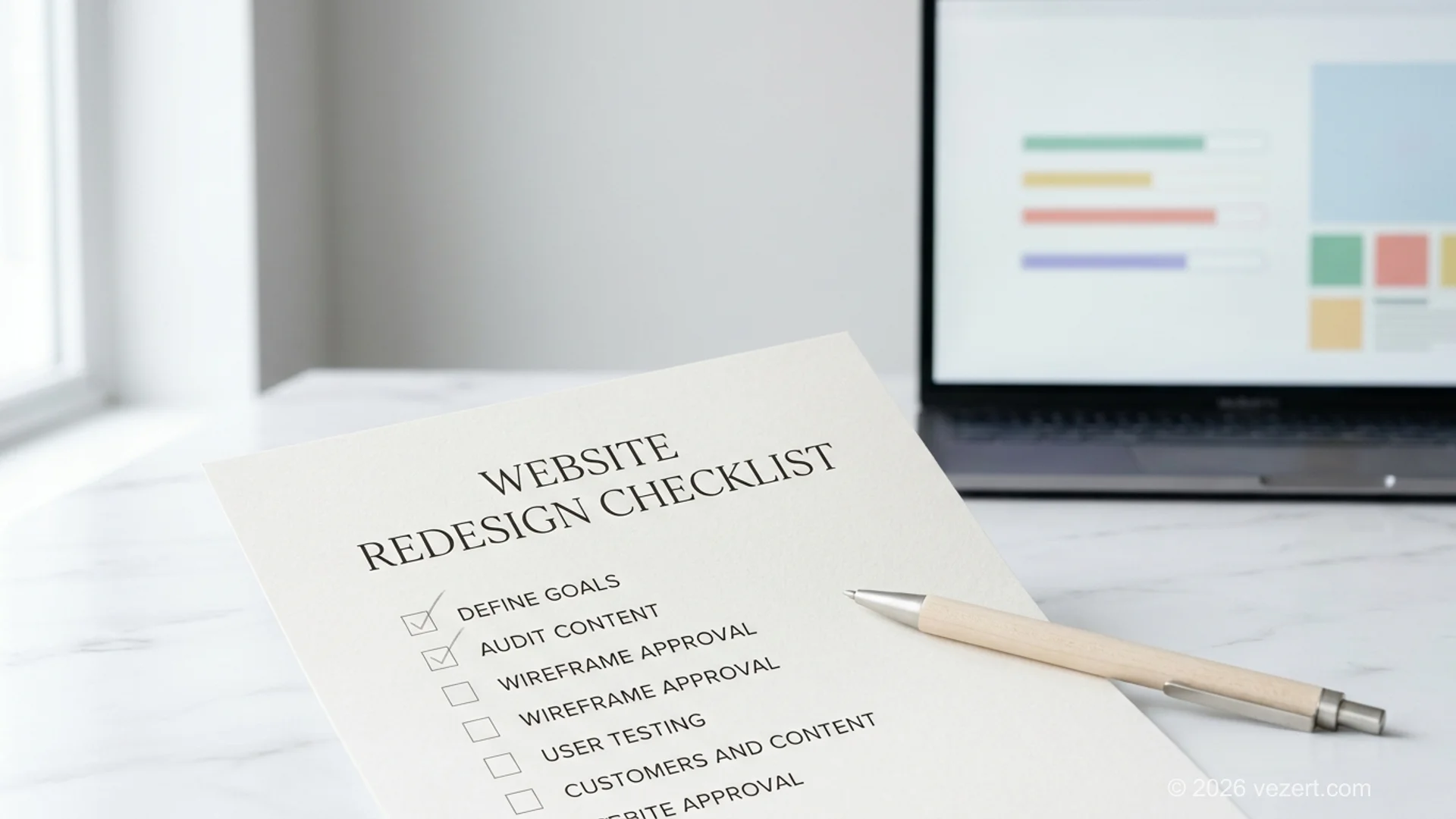
A website redesign checklist is the list of decisions and verifications a redesign has to pass through, ordered by phase rather than by topic, with one named owner against each item. The ordering is the part that matters. Most redesigns do not fail because someone forgot an item; they fail because an item was done in the wrong phase, when it was already expensive to act on.
This covers the full project. If you want the process reasoning behind each phase, that is in our website redesign guide. If you want the search-migration procedure in detail, that is in website redesign SEO. What follows is the executable list and a realistic schedule to hang it on.
What Belongs on a Website Redesign Checklist
A useful checklist has three properties that most published ones lack. Every item names a verifiable result rather than an intention. Every item sits in the phase where acting on it is still cheap. And every item has an owner, because an unowned item is a wish.
Compare two versions of the same checkpoint. "Make sure SEO is considered" cannot be checked, cannot be assigned and cannot be dated. "Every indexed URL appears in the mapping table with a recorded decision, signed off by the marketing lead before the content freeze" can be all three. The second one is what a checklist is for.
The list below has 40 checkpoints across five phases. It is written for a corporate or B2B redesign of roughly ten to sixty pages. A larger project adds volume rather than new phases, and a smaller one drops items rather than reordering them.
How Long Does a Website Redesign Take?
A website redesign takes four to twenty weeks depending on scope, and the number is set by content readiness rather than by design or development speed. A project whose copy is already written and approved runs at the bottom of every band. A project that discovers in week six that nobody has written the new service pages runs at the top of it, or past the top.
The table below gives observed delivery ranges rather than commitments. Read the third column first: it names the thing that actually consumes the extra weeks in each band.
Phase 1: Decide and Measure, Weeks 1 to 2
The first two weeks decide whether the project can ever be evaluated. These ten items are 25 % of the whole list, and they are the only ones that become impossible rather than merely expensive if you skip them, because once the old site is replaced its baseline is gone for good. Everything here is cheap to do now and unrecoverable later, which is why this phase runs before anyone opens a design tool.
- Write down the business metric the redesign should move, with today's value beside it.
- Record current organic impressions and positions for the twenty pages that matter most.
- Record current conversion rate and monthly enquiries per template.
- Export the full list of indexed URLs from Search Console.
- Crawl the current site and reconcile it against that export.
- Export pages with organic entries and conversions from analytics.
- List URLs that hold external links.
- Measure Core Web Vitals on the five highest-traffic templates.
- Name one decision-maker with authority to approve content and design. One, not a committee.
- Agree the freeze date in writing, and what happens to requests that arrive after it.
Item 9 is the one clients push back on and the one that predicts the outcome best. A project with four approvers does not get four times the quality, it gets four rounds of contradictory feedback and a schedule nobody can defend.
One approver, named before the project starts
The single strongest predictor of a redesign hitting its date is how many people can approve content and design. One named decision-maker keeps the schedule defensible. Four produce contradictory feedback and a date nobody owns. Other stakeholders belong at a scheduled review, not arriving uninvited in week ten.
Phase 2: Content and Structure, Weeks 2 to 5
Content and structure run together and both finish before design starts. Counting phases 1 and 2 together, 20 of the 40 checkpoints, a full 50 %, come due before a single template is drawn. Running content in parallel with design is the most common scheduling mistake in this kind of project, because templates built without a page inventory get rebuilt as soon as the real content shows up.
- Assign every existing page one verdict: keep, rewrite, merge or retire.
- Check analytics before retiring anything. A page with organic entries gets merged with a redirect, never deleted.
- List the pages that do not exist yet and are needed to sell.
- Name a writer and a due date for each new page. Not a team, a person.
- Draft the navigation tree in plain text and test it on five people outside the project.
- Fix the URL of every page, old and new, before templates are designed.
- Keep the existing URL wherever a page survives unchanged.
- Build the mapping table: old URL, new URL, action, owner, status.
- Decide what happens to PDFs, images and downloads. They are indexed too.
- Approve the content model: which fields each template needs, so writers know what to deliver.
Item 20 saves more time than any other item on this list. Writers who are told to "write the service page" deliver prose that does not fit the template. Writers who are given field names and character counts deliver something that can be pasted in.
Phase 3: Design and Build, Weeks 4 to 12
Design and build is the phase everyone pictures when they say redesign, and it is the phase where the earlier decisions either pay off or surface as rework. With content written and URLs fixed, this is execution against a known target.
- Design templates, not pages. Six to ten covers most corporate sites.
- Prototype the path from service page to submitted enquiry and test it with real people.
- Prototype mobile navigation separately. It fails differently from desktop.
- Approve templates in one round with the single decision-maker from item 9.
- Set a performance budget before building, and check it per template as you go.
- Build accessibility in rather than retrofitting it: contrast, focus states, semantic headings, alt text.
- Confirm main content renders without client-side execution. According to Google Search Central, rendering is deferred and resource-dependent, so content that only appears after JavaScript runs is at greater risk of being missed.
- Load real content, not placeholder text. Layouts that only work with tidy copy break on contact.
- Wire forms and tracking, then submit a real test enquiry end to end.
- Block staging from indexing before any of this starts.
Phase 4: Pre-Launch Freeze, the Final Week
The freeze week is where a controlled launch separates itself from a hopeful one. These seven items are 18 % of the list and they carry most of its risk, because each one is a place where search visibility is either preserved or quietly lost. Nothing here belongs on launch day itself, and every item produces evidence somebody else can inspect rather than a claim that it was handled.
- Implement redirects and test the entire old-URL list, not a sample.
- Audit for chains and loops. Every redirect resolves in one hop. According to Google Search Central, chained redirects waste crawl budget.
- Repoint internal links to final URLs, in content bodies as well as navigation and buttons.
- Verify canonical tags reference the new URLs.
- Regenerate language annotations if the site is multilingual, and check they reference each other.
- Verify content parity on the pages carrying the most search value.
- Generate sitemaps from the new structure with accurate last-modified dates.
Record each result in the status column of the mapping table rather than in a chat thread. The column exists so that partial verification is visible instead of assumed.
Phase 5: Launch Day and the First Month
Launch day is short when the freeze week was done properly, and long when it was not. The month that follows is where the project is actually judged, and where the baseline recorded back in phase 1 earns its keep. Without that baseline there is no way to answer the only question the business will ask in 2026, which is whether the new site performs better than the one it replaced.
- Unblock production from indexing and verify it, then verify staging is still blocked. Getting this pair backwards is one of the more common ways to lose a month.
- Submit the regenerated sitemaps and spot-check live redirects a second time, in production.
- Compare the phase 1 baseline pages one at a time, weekly, for the first month. Watch index coverage for new errors, and add every newly discovered 404 as a row in the mapping table so the table stays authoritative.
Resist changing things in the first fortnight beyond genuine errors. Google's guidance on site moves is to expect fluctuation while signals are reprocessed, and rewriting titles during that window makes it impossible to tell which change caused what.
Want the schedule run by people who do this regularly?
We take the checklist, the owners and the dates, and run the project against them from audit to launch.
Who Owns Each Item, and Why That Matters More Than the List
An item without an owner does not get done, and an item owned by "the team" is an item without an owner. This is the difference between a checklist that works and a checklist that gets pasted into a document and forgotten.
Four roles cover the forty items. The client decision-maker owns items 1, 9, 10, 11, 13, 24 and the freeze. The content owner owns 14, 20 and the writing itself. The agency owns design, build, redirects and verification. Whoever owns analytics owns the baseline in phase 1 and the monitoring in phase 5, and this is the role most often left unassigned, which is why so many redesigns cannot say afterwards whether they worked.
Put the names in the table before the project starts. Roles assigned during a project are assigned to whoever is least able to refuse.
Why Redesign Timelines Slip, and What Actually Prevents It
Timelines slip for a small set of reasons, and none of them are design taking longer than expected. In our experience the pattern is consistent enough to plan around.
Content arrives late. This is the cause in most slipped projects. The fix is item 14: a named writer and a date per page, agreed before the schedule is published.
Approval expands. A project that started with one approver acquires three by week four, usually after someone senior sees a design for the first time. The fix is showing that person the templates in week four deliberately, rather than having them arrive uninvited in week ten.
Scope grows quietly. A page here, an integration there, none individually worth objecting to. The fix is the freeze date from item 10 and a written answer to what happens after it.
Migration gets discovered late. The mapping table is treated as a launch-week task instead of a phase-2 artefact, and the week before go-live turns into archaeology. The fix is item 18.
None of these need heroics. They need the decisions taken in the phase where they are still cheap, which is the entire argument for ordering a checklist by phase. If you would rather have the schedule run by people who do this regularly, that is what our corporate website work involves.
On This Page
- What Belongs on a Website Redesign Checklist
- How Long Does a Website Redesign Take?
- Phase 1: Decide and Measure, Weeks 1 to 2
- Phase 2: Content and Structure, Weeks 2 to 5
- Phase 3: Design and Build, Weeks 4 to 12
- Phase 4: Pre-Launch Freeze, the Final Week
- Phase 5: Launch Day and the First Month
- Who Owns Each Item, and Why That Matters More Than the List
- Why Redesign Timelines Slip, and What Actually Prevents It