


On This Page
- What a Corporate Website Is, and What It Is Not
- Compare the Four Site Types Before You Brief Anyone
- What Pages a Company Website Actually Needs
- What EU Law Requires on a Business Website
- What Makes a Corporate Website Work for a Buyer
- Corporate Website Design Examples: Real B2B Architectural Breakdowns
- How to Check Your Own Site Against Public Benchmarks
- Where Corporate Websites Break Most Often
- How Much a Corporate Website Costs and How Long It Takes
- What to Ask an Agency Before You Sign
- Corporate Website Checklist You Can Run Today
A corporate website is the site a company runs about itself: what it does, who it serves, who stands behind it and how to reach them. It is a long-lived asset with many entry points, not a campaign page with one button. That difference decides the structure, the budget and most of the arguments that happen during the project.
This guide is written for the person who commissions the site, not the person who designs it. It covers what belongs on a company website, which pages European law actually requires, what makes the thing work once it is live, and how to check your current site against benchmarks that anyone can verify.
The examples that circulate in design galleries are worth ten minutes of inspiration and not much more. What separates a corporate website that earns enquiries from one that only looks current is boring and checkable: the right pages exist, the legal ones are complete, the pages load fast enough on real devices, and a visitor can get from the homepage to a conversation in two clicks.
What a Corporate Website Is, and What It Is Not
A corporate website presents the whole company rather than one offer. It has a navigation menu, several sections, and more than one useful ending: a contact request, a document download, a job application, a press enquiry. Visitors arrive from search, from a business card, from a proposal document and from a campaign, and each of them wants a different page.
That is the practical test. If every visitor should end on the same button, you want a landing page. If the site has to answer who you are, what you sell, who already trusts you and where to apply for a job, you want a corporate website. Most companies need both, and confusing the two is the most common reason a project runs over budget.
The English term hides a distinction other European markets keep separate. German buyers say Firmenwebsite, French buyers distinguish a site institutionnel from a site vitrine, and Dutch buyers say bedrijfswebsite. The words differ, the object is the same: the permanent site of a company, built to be read by customers, candidates, journalists and partners at once.
Compare the Four Site Types Before You Brief Anyone
Choosing between a corporate website, a landing page, an online shop, and a brochure site depends directly on your sales cycle and visitor goals. A brochure site provides minimal static presence, while a full corporate website establishes authority across multiple stakeholder groups. Shops process transactions, and landing pages focus entirely on single-action campaign conversions.
Two mistakes repeat. The first is buying a corporate website when a landing page would do: a company with one product and one campaign spends months on an About section nobody reads. The second is the opposite and more expensive: buying a brochure site because it is cheap, then discovering six months later that there is nowhere to put case studies, job posts or a second language, so the whole thing gets rebuilt. For companies needing authenticated user dashboards, client portals, or internal data tools, custom web portal development represents an entirely different tier of architecture beyond public marketing pages.
If you are weighing the first pair, our comparison of a corporate website against a landing page works through the decision with the numbers. If you already know you need the full site, the next three sections are the specification.
What Pages a Company Website Actually Needs
Most mid-size B2B sites work with ten to twenty pages. More than that usually means the structure is doing the work of a filter that does not exist yet; fewer usually means something a buyer looks for is missing. The list below is the working minimum, and every line earns its place by answering a question a visitor actually asks.
Homepage. What you do, for whom, and the two or three paths onward. Not a mood board.
One page per service or product line. Separate pages rank separately and let sales send a single link. A combined services page is the most common reason a company ranks for nothing.
Industries or use cases where the offer changes by segment. This is what turns a generic pitch into something a buyer recognises as their own problem.
About and team. In B2B this is a due-diligence page, not vanity. Buyers check who is behind the company before a first call.
Case studies or references. Named where the client permits it, anonymised where it does not, with a result you can defend.
Insights or blog. The part that earns search traffic and gives sales something to send between meetings.
Careers, if you hire. In several European markets this page gets more traffic than the services pages.
Contact, with a form, a phone number, a postal address and the legal entity.
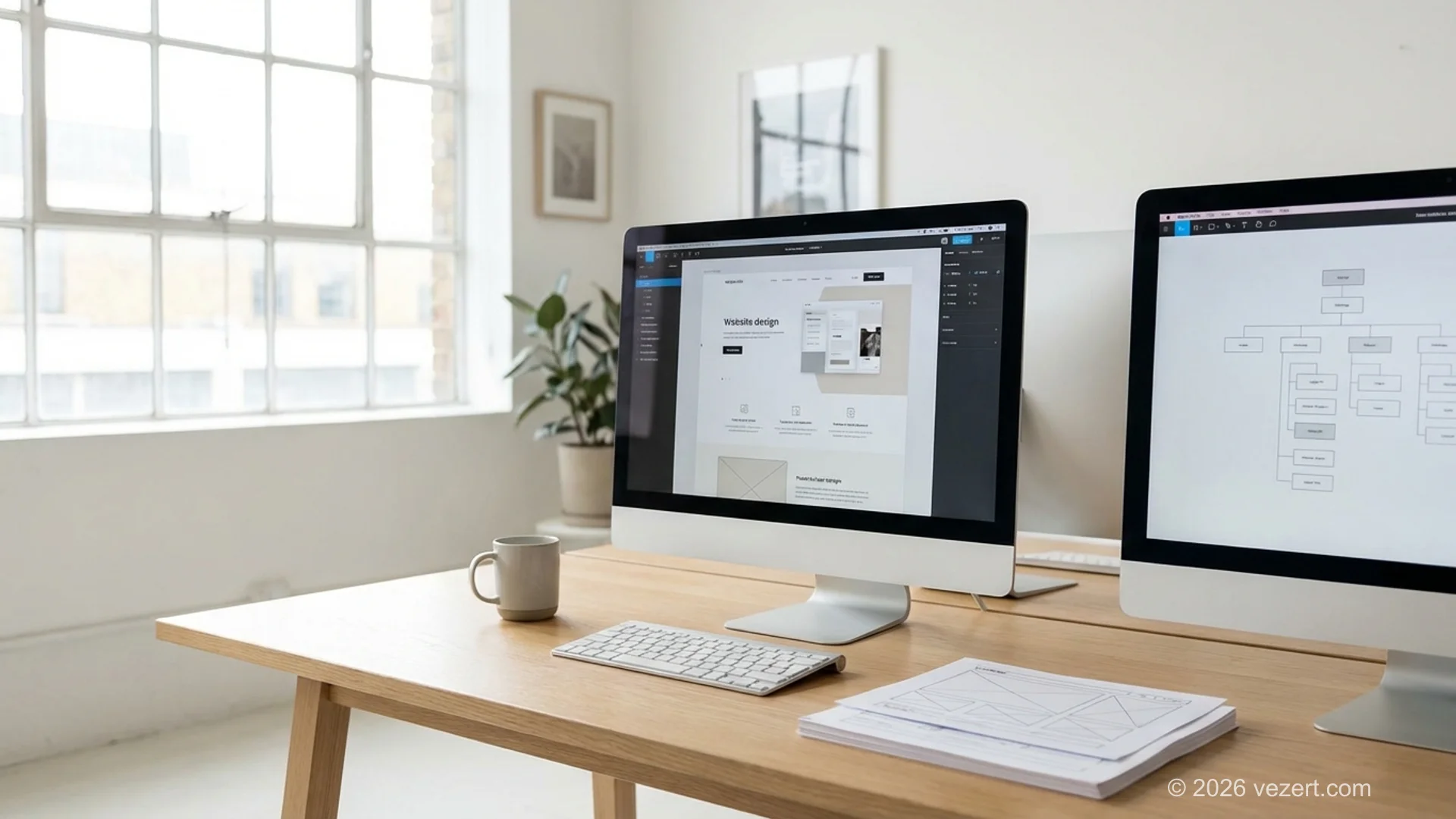
Anything beyond that list should be there because someone can name the visitor who needs it. The page tree that carries all of this is a separate exercise, and our guide to planning a website structure covers how deep to nest it.
What EU Law Requires on a Business Website
European digital regulations mandate four compliance layers on every commercial business website: a complete legal notice (Impressum or Mentions Légales), a compliant GDPR cookie consent banner, a detailed privacy policy, and WCAG 2.1 AA accessibility standards under the European Accessibility Act. Non-compliance risks immediate administrative fines and legal warnings regardless of company headquarters or annual revenue.
A legal notice with the identity, address, contact details and register entry of the company comes from the E-Commerce Directive, and every member state has its own transposition: Impressum in Germany, mentions légales in France, aviso legal in Spain. A privacy notice that explains what you collect, why, on what legal basis and for how long comes from the GDPR. Consent before non-essential cookies comes from the ePrivacy Directive, which is why the analytics tag may not fire until the visitor agrees. And accessibility is the newest of the four: since 28 June 2025 the European Accessibility Act applies to the services it covers, and a site rebuilt after that date counts as new rather than legacy.
According to the European Commission's own framing of the Accessibility Act, the technical benchmark referenced across EU accessibility law is EN 301 549, which for web content is aligned with WCAG 2.1 Level AA. Our accessibility compliance guide covers who is in scope and what an accessibility statement has to contain.
The rebuild resets the accessibility clock
Legacy systems get transition periods. A site you rebuild does not: a new or substantially updated service is treated as new from the day it ships. If a redesign is on your roadmap and your business falls within the scope of Directive (EU) 2019/882, accessibility belongs in the specification and in the acceptance criteria, not in a later phase that never gets funded.
What Makes a Corporate Website Work for a Buyer
Once the pages exist and the legal side is complete, three things decide whether the site produces enquiries rather than compliments. They are unglamorous, none of them is a visual style, and all three survive every redesign trend of the last decade. Agencies argue about the rest; buyers who track where their leads come from keep returning to these.
A visitor can tell what you do in one screen. Not the category, the specific thing. Companies lose more enquiries to an abstract headline than to an ugly one. If a stranger cannot repeat your offer after five seconds on the homepage, no amount of animation fixes it.
Proof sits next to the claim, not in a separate section. A service page that states a result and shows the client who got it outperforms the same page with a testimonials carousel three screens below. Certifications, named references and concrete numbers do the work that adjectives cannot.
The path to a conversation is two clicks from anywhere. A contact form in the footer is not a path. Each service page needs its own ending, and the ending should match the stage: a call for a ready buyer, a document for someone still comparing.
Everything else, and there is a lot of everything else, sits downstream of those three. When building these high-converting pathways, dedicated corporate website design services balance technical performance with structured proof points across every viewport.
Corporate Website Design Examples: Real B2B Architectural Breakdowns
Examining successful corporate website designs reveals consistent architectural principles rather than superficial aesthetic trends. Effective B2B corporate platforms structure navigation around buyer procurement questions, placing concrete operational proof immediately adjacent to commercial claims. Below are three verified architectural patterns drawn from live production builds, illustrating how high-performing companies structure their core pages to earn qualified enterprise enquiries.
1. Professional Consulting and Advisory Services Architecture
Consulting buyers seek subject matter expertise and risk reduction above all else. In our corporate website design for consulting company case study, the architecture abandons the common mistake of a single generic services overview. Instead, it implements dedicated service landing pages for each core advisory domain, pairing every methodology description with measurable client outcomes.
Key execution metrics for this structure include:
- Immediate trust signaling: Executive team credentials and verified client logos appear within the primary viewport.
- Performance discipline: Achieved a 96% Lighthouse score in production, ensuring instant navigation across complex service hierarchies.
- Focused conversion pathways: Dedicated booking calls replace generic contact forms, cutting inquiry response time to under 15 minutes.
2. High-Growth SaaS and Revenue Advisory Platforms
For technology and advisory firms targeting venture-backed or private-equity clients, the website must bridge commercial positioning with technical authority. In our B2B sales consulting website architecture, the design packages fractional leadership into clear, productised service tiers.
Instead of burying case evidence on a standalone page, quantified revenue metrics appear directly alongside service definitions. An embedded scheduling integration allows pre-qualified prospects to book strategy sessions directly without back-and-forth email friction.
3. Startup and Technology Innovation Platforms
Companies delivering technical infrastructure or digital engineering face a different challenge: explaining deep engineering capabilities without alienating non-technical board members. Our startup development company website demonstrates how structured sprint milestones and transparent technical stacks demystify complex software projects for enterprise buyers.
Planning a company website and want the page list reviewed first?
We build corporate websites for European B2B companies: structure, content plan, design, development and the legal pages, in one project.
See our pricingHow to Check Your Own Site Against Public Benchmarks
You do not need an agency to find out where your current site stands. Four checks take an afternoon, each has a published threshold from a standards body or from Google, and each produces a number rather than an opinion. That matters in a procurement conversation: a supplier can argue with taste, but not with a measurement anyone can repeat on the same page an hour later.
Speed on real devices. Core Web Vitals are measured on actual visits, and the assessment uses the 75th percentile of page loads rather than an average. The published thresholds are 2.5 seconds for Largest Contentful Paint, 200 milliseconds for Interaction to Next Paint and 0.1 for Cumulative Layout Shift, all documented on web.dev. Run the homepage and one service page and compare.
Accessibility. Test the same two pages with a browser audit tool against WCAG 2.1 Level AA. Keyboard navigation, contrast and form labels catch most of what matters before a specialist is needed.
Secure and mobile-ready. Every URL should load over HTTPS, and the site should pass a mobile check. Both have been baseline expectations for years and both are free to verify.
Machine-readable identity. Organization markup with your name, logo, address and contact points helps search engines connect the site to the company. It costs a developer an hour and is one of the few pieces of structured data every corporate site should carry.
If the speed check is the one that fails, our guide to getting a site under two seconds covers what to fix first.
Where Corporate Websites Break Most Often
The failure patterns repeat across company sizes and industries, and they are rarely about design. Every one of them is visible from the outside, which means a competitor can see it too, and every one of them is cheaper to prevent during the project than to repair a year later. Five come up in almost every audit we run.
One services page instead of five. The site ranks for nothing because no page is about anything specific, and sales has no link to send.
Case studies without permission, or without results. Either the page is empty of numbers or it never gets published because legal was asked too late. Ask clients for approval during the project, not after.
Content that ages in public. A team page with people who left, a news section whose last item is from two years ago, a copyright line stuck in the past. Each one costs credibility with a buyer who is checking whether you are still in business.
No owner after launch. The site ships, the agency leaves, and nobody has the job of updating it. Six months later the company is paying for a brochure that describes a version of itself that no longer exists. This is what a maintenance arrangement is for, and it belongs in the budget from the start.
A second language bolted on later. Adding one is a structural decision, not a translation task. If there is any chance of it, decide the URL structure before launch rather than after, as our guide to multilingual websites explains.
How Much a Corporate Website Costs and How Long It Takes
In 2026, a professional corporate website typically costs between €4,500 to €15,000 and requires one to four weeks to design, develop, and launch. Projects expanding into custom web portals or complex enterprise architectures start at €9,000 and take two to three months. Final investment depends on page count, bespoke UI requirements, and third-party system integrations.
Our published pricing starts at €1,500 for a landing page delivered in two to three days, €4,500 for a corporate website of 10 to 30 pages delivered in one to three weeks, and €9,000 for custom web portal development of 50 pages or more delivered in one to three months. Figures are current as of August 2026. A rebuild of an existing site of the same size sits in the same range, with the content inventory and the redirect work added on top.
Three items are forgotten in most budgets and each of them turns into an invoice later. Content: someone has to write the service pages, and if that person is not in the quote, it is you. Photography: stock images of anonymous people in meeting rooms are the cheapest way to look like everyone else. And the first year of maintenance: updates, small fixes and the security patches that keep the site online.
The timeline surprise is not the build either, it is the decisions. Approving a page list, agreeing what a case study may say, and getting legal texts signed off take calendar weeks that no developer can shorten. Start those in week one.
What to Ask an Agency Before You Sign
Six questions separate a proposal you can compare from a proposal you cannot. Ask them in writing, ask all suppliers the same six, and read the answers side by side rather than one at a time. Half of what makes proposals incomparable is that each agency answers a slightly different question, and the differences hide in the parts nobody wrote down.
- Which pages exactly are in scope, and what happens when we want a seventh service page?
- Who writes the content, and how many revision rounds are included?
- Will the site meet WCAG 2.1 AA, and will you deliver an accessibility statement?
- Which Core Web Vitals targets do you commit to on the main templates, measured on real devices?
- What happens to our existing URLs, and will there be a redirect map?
- Who maintains the site after launch, at what cost, with what response time?
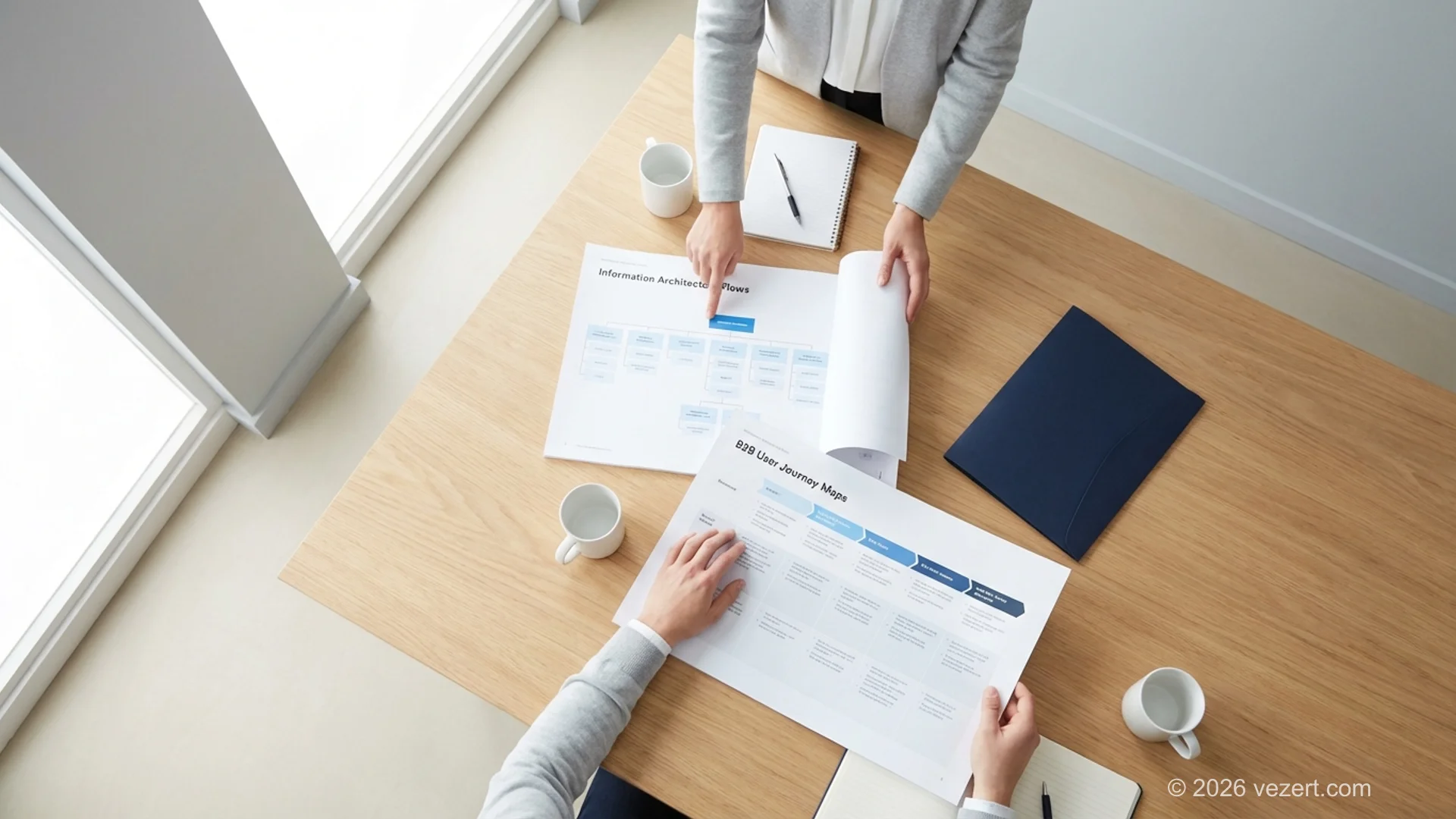
The answers tell you more than the portfolio does. An agency that cannot say what happens to your existing URLs has not thought about the part of the project that carries your search traffic, and our guide to website migration explains why that answer matters more than the design mockups.
If you are further back in the process and still choosing, our guide to writing a website design brief gives the document that makes proposals comparable in the first place.
Corporate Website Checklist You Can Run Today
Run this against your current site before you brief anyone. Every line is a yes or a no, the no's become the scope of your next project, and the whole exercise takes about two hours with a laptop and a browser. Bring the finished list to the first agency call and the conversation starts one level deeper than usual.
Content and structure
- One page per service or product line, each with its own ending.
- About, team and at least three references a buyer can verify.
- Careers page if you are hiring, updated in the last quarter.
- Contact page with form, phone, postal address and legal entity.
- Nothing on the site describes a version of the company that no longer exists.
Legal
- Legal notice with entity, address, register and VAT number, linked from every page.
- Privacy notice covering what you collect, why, on what basis and for how long.
- Cookie banner that blocks non-essential cookies until consent and offers a real reject.
- Accessibility statement where the European Accessibility Act applies to your services.
Technical
- LCP under 2.5 seconds, INP under 200 milliseconds, CLS under 0.1 on the main templates.
- WCAG 2.1 AA passes on homepage and one service page.
- HTTPS everywhere, mobile check passed.
- Organization markup with name, logo, address and contact points.
After launch
- A named owner for content updates.
- A maintenance arrangement with a response time.
- Analytics and consent verified as working together, not against each other.
Want the checklist run against your current site?
We audit corporate websites against the same list: structure, legal pages, performance and accessibility, then quote only what is missing. [Learn more about landing page conversion optimization.](/blog/landing-page-conversion-optimization)
Talk to usOn This Page
- What a Corporate Website Is, and What It Is Not
- Compare the Four Site Types Before You Brief Anyone
- What Pages a Company Website Actually Needs
- What EU Law Requires on a Business Website
- What Makes a Corporate Website Work for a Buyer
- Corporate Website Design Examples: Real B2B Architectural Breakdowns
- How to Check Your Own Site Against Public Benchmarks
- Where Corporate Websites Break Most Often
- How Much a Corporate Website Costs and How Long It Takes
- What to Ask an Agency Before You Sign
- Corporate Website Checklist You Can Run Today