On This Page
- What a SaaS Website Has to Do That a Brochure Site Does Not
- What Pages a SaaS Website Needs
- How to Design the Pricing Page
- What Belongs on the Free Trial and Demo Path
- Why Integrations, Docs and Status Pages Are Marketing Pages
- What Trust Signals Enterprise Buyers Check
- What SaaS Website Design Costs
- How to Compare SaaS Web Design Agencies
- How Long the Build Takes and What You Supply
SaaS website design is the work of building a site that has to sell a product the visitor cannot hold, to a buyer who will compare it against four alternatives in one afternoon, and then defend the choice internally to people who never visited the site at all.
That produces a page list unlike any other kind of business site. A pricing page that has to be honest enough to be forwarded. A trial path that decides activation before onboarding starts. An integrations directory that is quietly one of the highest-converting sections on the whole domain. And a security page written for someone who arrived from a procurement checklist.
This guide covers those pages, what the build actually costs, and how to compare the agencies that specialise in it, because search results for that comparison are almost entirely lists written by the agencies themselves.
What a SaaS Website Has to Do That a Brochure Site Does Not
A brochure site describes a company. A SaaS site has to demonstrate a product, price it, and hand the visitor a way to try it without talking to anyone. Those are three jobs a brochure site never has, and each one adds pages and engineering rather than copy.
The comparison behaviour is the part most briefs underestimate. A SaaS buyer opens your site alongside two or three competitors in adjacent tabs and moves between them checking the same four things: what it does, what it costs, what it connects to, and whether anyone credible uses it. A site that answers three of those and hides the fourth loses the tab.
The second difference is that the site keeps selling after the sale starts. Documentation, changelog and status pages get read by existing customers and by prospects doing diligence, and they are frequently the pages a technical evaluator lands on first. Treating them as engineering artefacts rather than as part of the site is the most common structural mistake in this category.
What Pages a SaaS Website Needs
Beyond the homepage, a SaaS site is a set of pages that each answer one evaluation question. Building the homepage first and these last is the standard sequencing error, because almost none of the qualified traffic starts at the homepage.
- A page per core use case, named the way a customer describes the problem rather than the way the product team names the module.
- A page per major integration, which is the cheapest qualified traffic in SaaS and the section most often left as a logo grid.
- The pricing page, discussed below.
- A trial or demo path with its own page, not just a header button.
- A security and compliance page covering certifications, data location and subprocessors, written to be forwarded on its own.
- Customer stories with numbers, ideally by segment so a reader recognises themselves.
- Documentation and a changelog, indexed and linked from the marketing site rather than hidden behind a subdomain nobody links to.
For a mid-market product that is thirty to fifty marketing pages before documentation, which is why an honest quote for a SaaS site lands well above a quote for a company site of the same visual ambition.
How to Design the Pricing Page
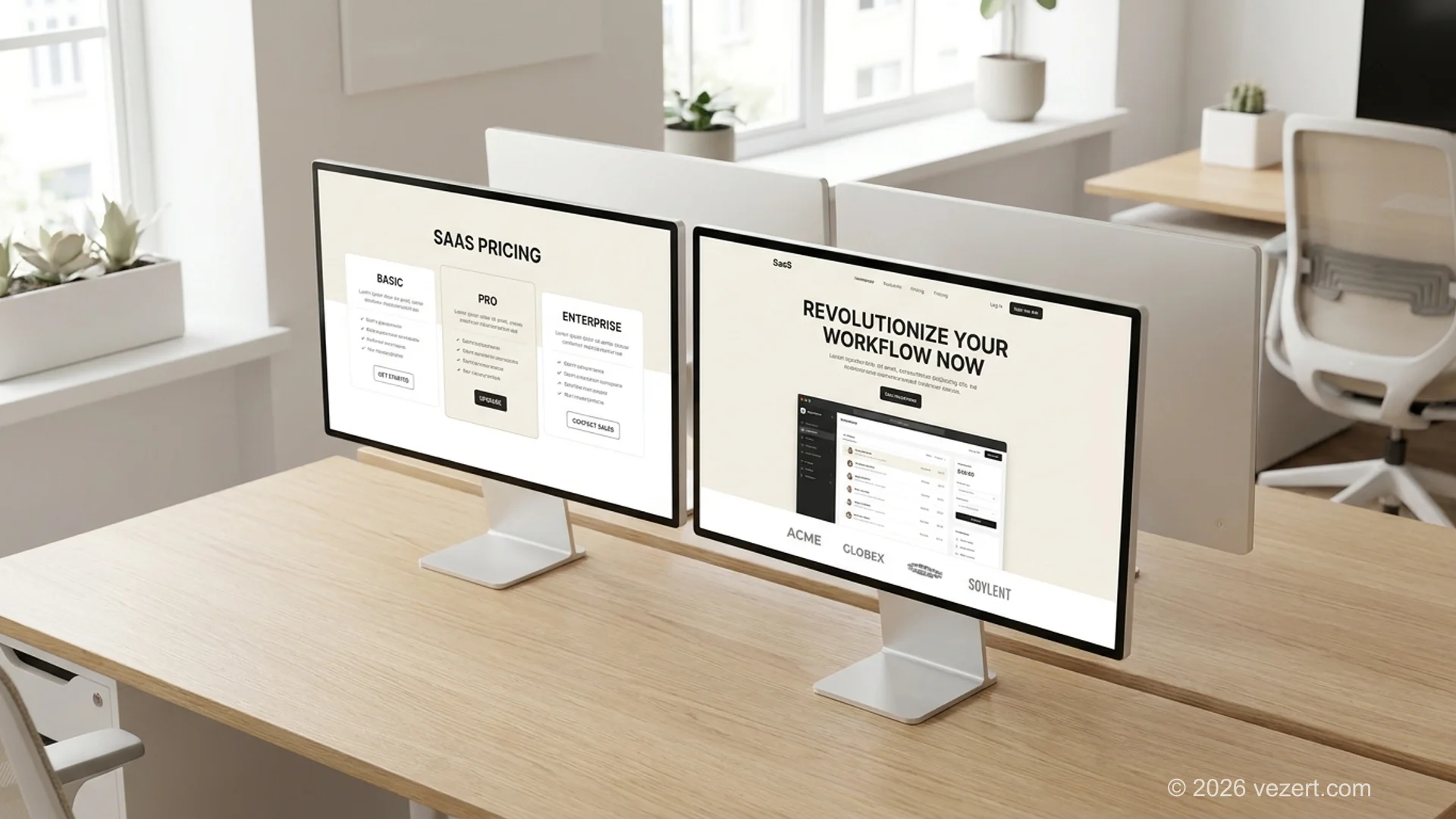
The pricing page is the most visited and most argued-over page on a SaaS site. Sales wants a contact form; marketing wants numbers; finance wants nothing that constrains a negotiation. The evidence favours publishing something, because a buyer who cannot estimate the annual cost within an order of magnitude removes the product from the shortlist before anyone gets to sell.
Three decisions make or break the page. What the plans are named, because plan names are the fastest way to tell a reader which row is theirs. What the metric is, since per-seat, per-usage and flat pricing each create a different mental model and mixing them on one page confuses everyone. And whether the enterprise tier shows a number or a contact route, which is a legitimate choice as long as the tiers below it are concrete.
The mechanics matter as much as the strategy. A monthly and annual toggle that shows the saving, marked up with Product and Offer structured data so the tiers are machine-readable. A feature comparison that is readable on a phone rather than a table that scrolls sideways off the screen. And an answer, somewhere on the page, to what happens when a customer exceeds a limit, because that is the question that generates support tickets and lost deals in equal measure.
If pricing genuinely cannot be published because every deal is negotiated, publish the pricing model instead: the metric, what drives the number up, and what a first-year commitment typically covers.
What Belongs on the Free Trial and Demo Path
The trial path is where website design stops being a design question and becomes a product question, which is exactly why it falls between teams and ends up neglected. The page that starts a trial is part of the marketing site; what happens in the next ninety seconds is not, and nobody owns the seam.
Two choices define it. Whether a credit card is required, which reliably reduces signups and reliably raises the quality of the ones you get, so the right answer depends on whether the sales team can handle volume. And whether the first screen after signup drops the user into an empty product or into a state with sample data, because an empty dashboard is where most trials die.
For products that need a demo rather than a trial, the same discipline applies to the booking flow. A form with eleven qualifying fields in front of a calendar costs completions; a calendar with two fields and qualification afterwards costs the sales team a little time and wins more meetings.
Measure two numbers rather than signups alone: the share of trials that reach the product's activation moment, and the share of demo requests that become a held meeting. Both are fixable on the website side, and neither is visible without deliberate tracking.
The three pages teams forget to own
Documentation, the changelog and the status page are usually owned by engineering, excluded from the redesign scope, and styled differently from the rest of the site. All three are read by prospects during evaluation. A status page with a nine-month gap since the last entry reads as an abandoned product, and documentation that is not indexed loses the long-tail searches that bring in the most qualified traffic a SaaS site ever gets. Put all three in the scope of the build.
Why Integrations, Docs and Status Pages Are Marketing Pages
Integration pages are the most underused asset in SaaS marketing. Someone searching for your product's name plus a tool they already use is close to the end of their evaluation, and a real page that explains what the integration does, what it syncs and what it does not, converts far better than a logo in a grid.
The structural rule is one page per integration that matters, each with its own permanent address, each explaining the mechanism rather than asserting compatibility. Ten real integration pages beat a wall of forty logos, and they can be added over time as the integrations ship.
Documentation belongs in the same argument. Public, indexed docs pull in searches phrased as problems rather than as product names, and those visitors arrive with a reason to care. Keeping docs behind a login or on an unlinked subdomain removes that channel entirely, and it is a decision usually made for convenience rather than on purpose.
Speed is a ranking and a conversion factor on all of these pages, and it is easy to lose on a marketing site heavy with product screenshots and animation. The Core Web Vitals thresholds are the standard worth writing into the contract rather than discovering after launch.
What Trust Signals Enterprise Buyers Check
For anything sold to companies, a portion of the evaluation is done by people who never read the marketing copy. According to the ISO/IEC 27001 standard those reviewers are checking scope and certificate validity rather than the claim itself. A security reviewer, a data protection officer and a procurement analyst each arrive looking for one document, and if the site does not have it they either email a salesperson or drop the vendor.
The page that satisfies them lists the certifications with their scope and date, states where data is stored and processed, names the subprocessors, and links the data processing agreement without requiring a conversation. A trust page that says the company takes security seriously and offers a contact form does not survive contact with a real questionnaire.
Accessibility belongs here rather than in a technical appendix, because for enterprise and public-sector procurement it is now a scored requirement rather than a nice-to-have. WCAG 2.1 level AA is the benchmark those questionnaires reference, and a conformance statement on the site answers the question before it is asked.
Customer proof is the other half. Named logos are worth more than anonymous ones, numbers are worth more than adjectives, and a case study that states the segment and the size of the customer lets a reader decide whether it applies to them.
What SaaS Website Design Costs
A SaaS marketing site runs from roughly $15,000 to $60,000 for a full build, and beyond $100,000 where the site carries a customer portal, several languages or a programmatic page system for integrations. The spread tracks template count and page count, and both can be pinned down in a single scoping call.
On our published pricing, a single landing page starts at €1,500 and a site of ten to thirty pages at €4,500, with portal and multi-language work above €12,000. A European seed or Series A product with six use-case pages, ten integration pages, pricing, security and a handful of customer stories usually sits between the last two figures.
Four things move the number more than page count does. The number of design templates, since a use-case page, an integration page, a customer story and a documentation page are four separate templates. Who writes the copy, which for a technical product is the top cause of overrun. Whether documentation is inside the scope or left to engineering. And whether integration pages are hand-built or generated from a data source, which is the difference between ten pages and two hundred.
Budget the year after separately. Hosting, patching, new integration pages and pricing updates typically run 15 % to 20 % of the build cost annually, and a SaaS site left untouched for a year is usually describing a product that no longer exists.
How to Compare SaaS Web Design Agencies
Searching for a SaaS web design agency returns mostly lists written by agencies that placed themselves at the top, which makes them useful for names and useless for judgement. Four questions separate the suppliers faster than any ranking does, and all four should be answered in writing before signing.
Have you built a pricing page for a product priced the way ours is? Per-seat, per-usage and flat pricing produce different pages. An agency whose portfolio is all per-seat SaaS will design your usage-based product as if it were per-seat.
Is documentation inside your scope or outside it? This single line explains a large share of the price differences between quotes for what looks like the same site.
How many design templates does this price include? Template count, not page count, is what the build costs. Forty pages on two templates is a different product from forty pages on six.
Who writes the copy, and by when? For a technical product this is the most common cause of a delayed launch. If the answer is that the client writes it, the timeline needs a named owner per page and a date.
The choice between a SaaS specialist, a generalist studio and an in-house team follows the shape of the work rather than the budget, and our guide to B2B website design compares those supplier types in detail.
How Long the Build Takes and What You Supply
A thirty to fifty page SaaS marketing site takes ten to sixteen weeks from kickoff to launch when content arrives on schedule, and six months or more when it does not. The constraint is almost never the build. It is that product claims, pricing and security statements have to be approved by the people accountable for them, and those approvals run in sequence.
Your side of the list is short and non-negotiable: one decision-maker with sign-off authority, the page list agreed before design starts, a named copy owner per page with a date, the pricing model confirmed by whoever owns revenue, security and compliance facts confirmed by whoever owns them, and customer permissions requested early because legal review at the customer's end is slow and outside everyone's control.
The supplier's side is structure, templates, implementation, analytics, accessibility and the technical pages. A supplier who has not asked how your product is priced or whether docs are in scope by the second meeting is quoting a company website with SaaS screenshots.
Plan the launch away from a funding announcement or a major release. Migrating a site that already ranks means redirects from every old URL and a fortnight of watching search performance, and the week of a launch is the wrong week to be doing either.
For a worked example of all of this on a live product, see our B2B SaaS website design case study, including the Lighthouse scores it launched with.
Planning a SaaS site with the page list and templates named up front?
We scope SaaS and [corporate websites](/corporate-websites) with the use-case pages, integrations, pricing and templates written into the quote, and the price published before the call.
See our pricingOn This Page
- What a SaaS Website Has to Do That a Brochure Site Does Not
- What Pages a SaaS Website Needs
- How to Design the Pricing Page
- What Belongs on the Free Trial and Demo Path
- Why Integrations, Docs and Status Pages Are Marketing Pages
- What Trust Signals Enterprise Buyers Check
- What SaaS Website Design Costs
- How to Compare SaaS Web Design Agencies
- How Long the Build Takes and What You Supply