


On This Page
- Why Your Agency Website Is the Pitch
- How to Lead With a Clear Promise, Not a Clever Tagline
- How to Make Your Portfolio Do the Selling
- Typography and Whitespace Set the Tone Before a Word Is Read
- Why Speed Is a Design Decision
- Social Proof That Goes Beyond Logo Strips
- CTAs That Earn the Click
- Mobile Isn't an Afterthought, It's the Default
- Putting These Agency Website Design Lessons to Work
Why Your Agency Website Is the Pitch
An agency website is the only marketing asset that has to demonstrate the exact thing the agency sells, design and engineering capability, before a single sales call. A plumber's website can get away with basic layout and still win jobs. An agency website design that looks stale or performs poorly is a deal-breaker before a single conversation happens.
We've spent the last several years building websites for companies across industries, landing pages, corporate sites, portals, and during that time we've studied hundreds of agency sites. Not just the award-winners on Awwwards, but the ones that actually generate inbound leads month after month. The patterns are remarkably consistent.
What follows are seven lessons drawn from real agency website design examples. These aren't abstract principles. They're specific, practical decisions you can evaluate on your own corporate website design service today. Whether you're redesigning from scratch or looking for quick wins, this is where the biggest returns tend to live.
Agency Website Design, The Numbers
88% of users won't return to a site after a bad first experience (Baymard Institute UX statistics). 53% of mobile visitors abandon pages that take longer than 3 seconds to load (Google Web.dev Core Web Vitals research). On Vezert agency-site projects, sites that pass all three Core Web Vitals + lead with a specific outcome promise see 2.5–4x more inbound demo requests within 90 days vs sites that don't (Vezert client portfolio, 2024–2026).
From the trenches
"The single biggest mistake agencies make on their own websites is the cryptic hero section. They write copy a committee approved instead of copy a buyer needs. We've seen agencies double their inbound leads just by replacing 'We craft digital experiences' with a sentence that names the actual client outcome." — Vezert design lead, after auditing 100+ agency sites
How to Lead With a Clear Promise, Not a Clever Tagline
There's a disease in agency land: the cryptic hero section. You land on the homepage and see something like "We craft digital experiences that transcend boundaries." Sounds impressive. Means nothing. The visitor still doesn't know what you do, who you do it for, or why they should care.
The agencies that convert best flip this around entirely. Their hero sections answer three questions in under five seconds: What do you do? Who do you do it for? What result can I expect?
Dataland's site is a strong example. Their black-and-white geometric typography grabs attention, but the real strength is how quickly you understand their positioning. The contrast between restrained text and a brightly colored project reel draws your eye straight to the work, which is the proof.
Haptic Studio takes a different approach with bold orange-on-black that speaks directly to founders with "bold visions." It's opinionated. It filters. And that's exactly the point. A hero section that tries to appeal to everyone appeals to no one.
Here's what the data says: according to UX research from Baymard Institute, 88% of users won't return to a site after a bad experience. Your hero section is where that judgment forms. You get one shot.
What to do: Write your hero headline as if you're explaining your agency to someone at a dinner party. If it sounds like a tagline a committee wrote, start over. Include a specific outcome or the type of client you serve. The same principles that apply to professional corporate homepage design, clarity above the fold, trust signals, and a clear primary CTA, apply just as directly to agency sites.
How to Make Your Portfolio Do the Selling
Most agency portfolios are graveyards of pretty screenshots. A grid of thumbnails with project names. Maybe a category filter. That's it.
The agencies winning the most business treat their portfolio differently. Each project is a mini case study, not a photo album. They define the client's problem, walk through their approach, and land on measurable results. A study by Figma found that agencies with detailed case studies (featuring specific metrics like "increased leads by 40%" or "reduced bounce rate by 25%") get significantly more contact form submissions than those showing screenshots alone.
For the People, a creative agency, demonstrates this brilliantly. Their hero section uses a hover effect that reveals peeks of actual client work as you move your cursor. It's interactive proof of capability built right into the first impression. You don't need to click to a separate portfolio page, the work finds you.
But you don't need fancy hover effects. What you need is structure. Each case study should have:
- The client's challenge (one sentence)
- Your approach (two to three sentences)
- The measurable result (specific numbers)
- A visual showing the actual deliverable
Keep your portfolio tight. Seven to ten projects maximum. Curate ruthlessly. Five strong case studies with real outcomes beat twenty screenshot galleries every time. And if you're working on building out your own portfolio, prioritize depth over breadth. The copy within each case study matters as much as the visuals, a content-first approach to web design ensures the words do their share of the selling work. How you document the tools and process behind the work matters too — our honest take on Claude Design after five days of use is an example of that kind of transparency paying dividends in trust.
Update frequency matters too. Refresh your portfolio every six to twelve months. An agency showing work from three years ago raises questions about what happened since.
Key Insight
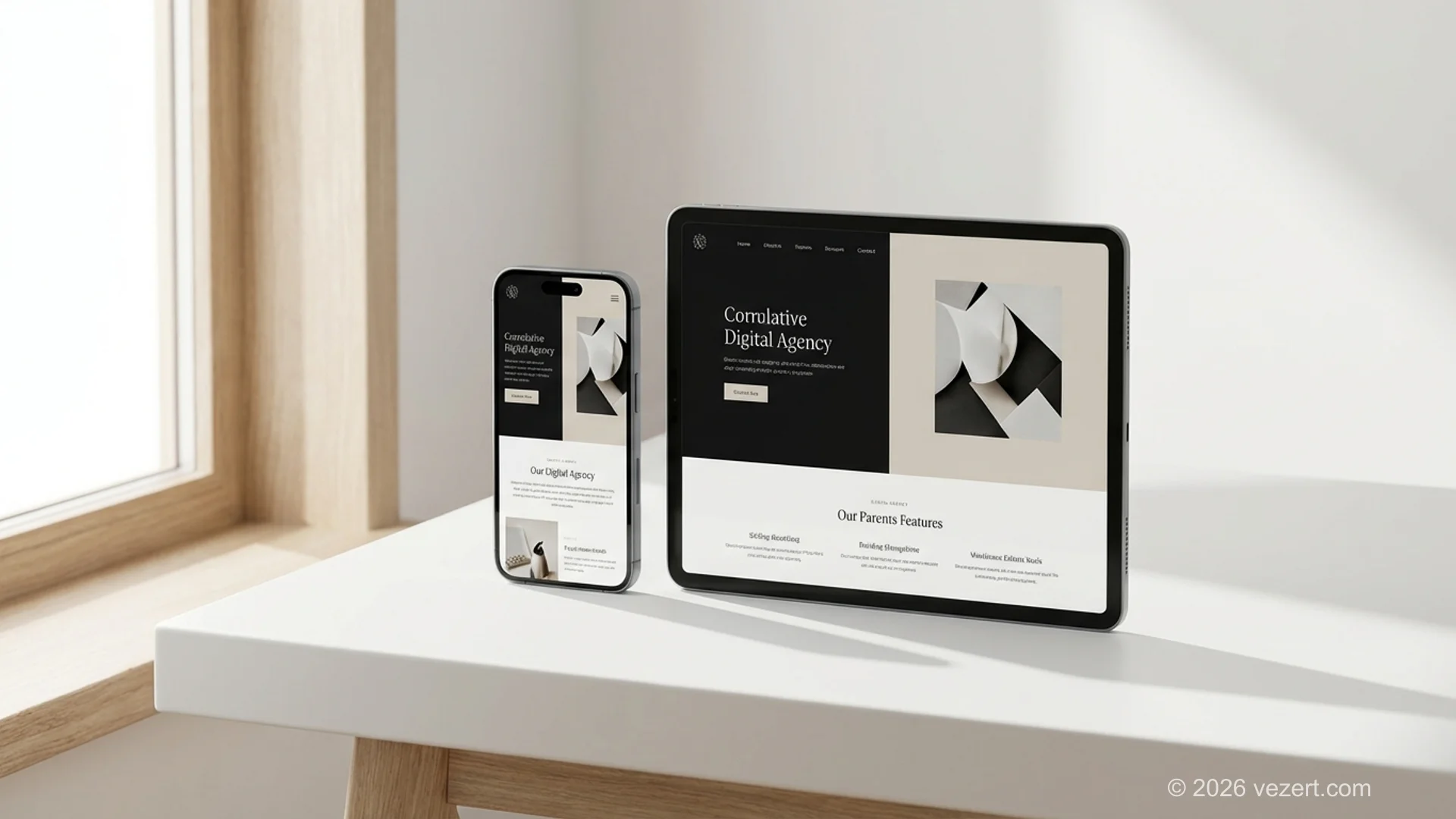
Every dollar invested in UX returns roughly $100, according to research from Forrester and DesignRush, a 9,900% ROI. For agency websites, that investment shows up most clearly in portfolio presentation and hero section clarity. These two areas alone determine whether a prospect stays long enough to reach your contact form.
Typography and Whitespace Set the Tone Before a Word Is Read
Before a visitor reads a single word on your page, they've already formed an opinion. Typography and spacing do that work. They signal whether you're a scrappy startup or an established studio, whether you're playful or corporate, whether you sweat the details or ship fast.
The best agency website design examples use typography as a primary design element, not an afterthought. Dataland's bold geometric type does as much brand-building as any logo could. Immersive Garden, a multi-award-winning studio, creates rhythm by varying text size and spacing dramatically, guiding visitors through content in a way that feels intentional rather than templated.
Whitespace is the other half of this equation. Cramming content into every available pixel is a rookie mistake that signals desperation. Generous margins and padding communicate confidence. They say: we don't need to shout. Our work speaks.
Some practical typography guidelines for agency sites:
- Body text: 16px minimum on desktop, 18px for long-form content
- Line height: 1.5 to 1.7 for readability
- Maximum line length: 65 to 75 characters per line
- Heading hierarchy: make the size jump between H1 and H2 dramatic enough that scanning is effortless
And a note on font choices, system fonts and well-known sans-serifs (Inter, Söhne, General Sans) load faster and still look premium. A custom display font for headings paired with a clean body font is usually the sweet spot. Don't use more than two typefaces. Three is almost always one too many.
Why Speed Is a Design Decision
Here's a stat that should make every agency designer uncomfortable: sites that load in one second convert three times better than sites loading in five seconds. And 40% of visitors abandon a page that takes longer than three seconds to load on desktop. On mobile, that number hits 53%.
Agency websites are notorious performance offenders. Giant hero videos, unoptimized portfolio images, heavy animation libraries, third-party chat widgets loading on every page. All of this adds up.
The irony is painful. You're trying to prove you build great websites while your own site crawls. A prospective client running a quick Lighthouse audit on your homepage and seeing a score of 45 will draw exactly the conclusion you don't want.
Performance is a UX/UI design decision, not just a development concern. Every visual choice has a performance cost, and the best agencies make those tradeoffs deliberately.
Here's where the biggest gains typically hide:
- Images: Convert everything to WebP or AVIF. Lazy-load anything below the fold. Serve responsive sizes.
- Fonts: Subset your fonts. Preload the primary weight. Use
font-display: swap. - Animations: CSS transitions and transforms over JavaScript animation libraries wherever possible. If you use GSAP or Framer Motion, lazy-load them.
- Third-party scripts: Chat widgets, analytics, tracking pixels, defer everything that isn't critical to the first paint.
Aim for a Lighthouse performance score above 90. It's absolutely achievable for an agency site, and it sends a silent but powerful message to technically savvy prospects.
Important
Don't sacrifice page speed for flashy animations. A prospect who bounces after three seconds of loading never sees your parallax scroll effect. Run Lighthouse on your homepage right now, if the performance score is below 70, that's your most urgent design problem, not your color palette.
Need a Website That Wins Clients?
We build agency and corporate websites designed to convert. Let's talk about what your site should be doing for your business.
Get a Free ConsultationCTAs That Earn the Click
There's a fine line between persistent and pushy. Some agency sites have a single "Contact Us" button in the header and nothing else. Others plaster "Book a Call" on every scroll. Both miss the mark.
Strategic CTA placement, giving visitors a clear next step at the moment they're most convinced, can improve conversion rates by 41%. And reducing visual clutter around the CTA button has been shown to boost conversions by up to 232%.
Haptic Studio nails this with a unique animated call-to-action button that stands apart from the rest of the page. It doesn't blend into the navigation. It doesn't feel like an afterthought. It's a designed moment of interaction.
The placement pattern that works best for agency sites follows a rhythm:
- Hero section: Primary CTA right after the value proposition
- After portfolio/case studies: When the visitor has just seen proof of your capabilities
- After social proof: When trust is at its peak
- Footer: A final catch-all for the visitors who scrolled all the way down
Keep your CTA language specific to the action. "Book a 15-Minute Strategy Call" outperforms "Contact Us" because it sets expectations and reduces commitment anxiety. The visitor knows exactly what they're agreeing to.
And don't overlook the surrounding copy. A CTA button sitting alone is a question without context. A CTA preceded by "Most of our clients see results within 60 days" gives the visitor a reason to click right now.
Mobile Isn't an Afterthought, It's the Default
More than half of web traffic is mobile. You already know this. But knowing it and designing for it are different things. Pull up most agency websites on a phone and you'll find oversized hero text that wraps awkwardly, portfolio grids that become endless vertical scrolls, and navigation menus that fight with your thumb.
The agencies that treat mobile as the primary viewport, not a responsive afterthought, tend to have cleaner desktop designs too. Designing for constraints forces clarity. Every element earns its place because screen space is scarce.
A few mobile-specific patterns worth stealing:
- Sticky CTAs: A persistent button or bar that follows the user without being obtrusive. On mobile, this is critical because the header CTA disappears as soon as you scroll.
- Thumb-friendly tap targets: Apple's HIG recommends a minimum 44x44 point touch target. Anything smaller and you're creating frustration.
- Progressive disclosure: Don't show everything at once. Accordion sections, "Read more" links, and tabbed content keep the mobile experience focused.
- Simplified hero sections: That beautiful full-bleed video hero on desktop? On mobile it's often a battery-draining, data-consuming liability. Serve a static image instead.
Test your site on actual devices, not just Chrome DevTools. The experience of scrolling through a page with your thumb on a 6.1-inch screen is fundamentally different from clicking through a responsive preview on a 27-inch monitor. If your corporate website doesn't feel natural on a phone, half your audience is getting a compromised experience.

Putting These Agency Website Design Lessons to Work
These seven lessons aren't independent checkboxes. They reinforce each other. A clear hero section makes your portfolio more effective because the visitor understands what they're looking at. Fast page speed keeps people around long enough to encounter your social proof. Strong CTAs convert the trust that testimonials build.
If you're evaluating your current agency website design, start with the two areas that move the needle fastest: hero section clarity and portfolio depth. Get those right and the rest becomes refinement rather than rescue.
Here's a quick self-audit you can run in ten minutes:
- Load your homepage on a phone. Can a stranger tell what you do within five seconds?
- Run a Lighthouse audit. Is the performance score above 80?
- Pick your strongest case study. Does it include a measurable result?
- Find your primary CTA. Is it visible without scrolling?
- Read your testimonials. Do they mention specific outcomes or just praise?
If you answered "no" to more than two of those, your site is likely leaving leads on the table. And in a market where 60% of consumers avoid brands with unappealing design regardless of reviews, that's not a cosmetic problem, it's a revenue problem.
The good news? Every one of these lessons is fixable. Some in an afternoon. Others as part of a planned redesign. The agencies that treat their own website with the same strategic rigor they bring to client work are the ones that grow fastest. Their site isn't a brochure. It's their best salesperson, working every hour, on every device, for every visitor who might become their next client.
On This Page
- Why Your Agency Website Is the Pitch
- How to Lead With a Clear Promise, Not a Clever Tagline
- How to Make Your Portfolio Do the Selling
- Typography and Whitespace Set the Tone Before a Word Is Read
- Why Speed Is a Design Decision
- Social Proof That Goes Beyond Logo Strips
- CTAs That Earn the Click
- Mobile Isn't an Afterthought, It's the Default
- Putting These Agency Website Design Lessons to Work

Social Proof That Goes Beyond Logo Strips
Every agency site has a row of client logos. It's table stakes. But a strip of grey logos is the minimum viable social proof, it says "we've had clients" without saying much else.
The agencies that punch above their weight build social proof into the fabric of the entire page. Testimonials appear next to relevant case studies. Specific results are quoted alongside the client who achieved them. Awards aren't just listed in a footer, they contextualize the work.
A well-designed UI can increase conversion rates by up to 200%, and when paired with strong UX, that figure can reach 400%, according to research compiled by DesignRush. Social proof is one of the strongest UX levers you have because it reduces the cognitive effort of deciding whether to trust you.
Here's what separates weak social proof from strong:
Place your strongest testimonial above the fold or immediately below it. Don't bury proof at the bottom of a long page, by then, the skeptical visitors have already left.