
Vezert
Kaynaklara Geri Dön

Web Sitesi Navigasyonu En Iyi Uygulamalar: UX ve Donusumler

UX iyilestiren ve donusumleri artiran web sitesi navigasyonu en iyi uygulamalarini kesfedin. 2026 rehberi.

Yayınlandı May 6, 202618 dk
Web sitesi navigasyonu en iyi uygulamalar, net menu yapisi ve donusum odakli tasarim

Website navigation best practices are the foundation of every effective business website. Even if a site looks visually polished, users rely on navigation to figure out where they are, what the business offers, and how to reach the information they need. A clear business website navigation structure helps visitors find relevant pages quickly and reduces friction throughout the browsing experience. For any web design agency, navigation is not merely an aesthetic choice but a functional pillar of website development.

Poor navigation confuses visitors, increases decision time, and drives early exits. When users struggle to locate important pages such as services, pricing, or contact forms, they rarely stay long enough to explore further. This directly impacts conversion optimization, because even strong offers and carefully written content underperform when users cannot reach them. Effective navigation design for conversion optimization makes the user journey simple, predictable, and aligned with business goals.

In this guide, we cover practical website navigation best practices that help businesses build clearer website structures and improve website navigation for better conversions. You will learn how to design navigation that supports usability, strengthens website optimization, and enables a web design agency to build sites that naturally guide users toward action. Whether you are planning a new site or auditing an existing one, these principles apply across industries and website types.

Why Website Navigation Matters for Business Results

Effective website navigation UX design is the basis of user interaction with any business website. Navigation determines how quickly visitors understand the site structure, find the information they need, and move from page to page. Even a visually impressive website can fail if users cannot locate what they are looking for. That is why navigation is recognized as a core element of website development, not just a cosmetic detail.

Navigation also has a powerful effect on user decision-making. When visitors know exactly where to go after viewing a page, they feel more comfortable exploring the rest of the site. Logical grouping of pages, straightforward menu labels, and a predictable structure reduce friction and help users stay focused on their goals. A well-organized business website navigation structure directs visitors from discovery to action.

This is where navigation ties directly into conversion optimization. If potential clients find it difficult to locate services, pricing, or contact information, they often leave before completing any action. Strong navigation design for conversion optimization makes important pages easy to reach and creates a user journey that leads naturally toward business outcomes.

Research from the Baymard Institute on site navigation shows that well-structured navigation can reduce user drop-off by up to 50 percent. According to a Google study on mobile UX, sites with clear navigation structures see measurably better engagement metrics including lower bounce rates and higher pages-per-session.

In practical terms, effective navigation helps businesses:

  • Lead visitors through the website logically
  • Reduce confusion and cognitive overload
  • Highlight critical conversion paths
  • Improve engagement and time on site
  • Support long-term website optimization

For this reason, professional web design agency teams treat navigation as a strategic component of UX design that shapes how users experience the entire website.

Navigation is not just a design element — it is a business tool. Websites with clear, well-structured navigation see up to 50% lower drop-off rates, higher engagement, and more completed conversions. Every website navigation best practice starts with treating navigation as a strategic priority, not a visual afterthought.

Website Navigation Best Practices for User Experience

Applying website navigation best practices to user experience means designing structures that help visitors understand a site quickly and move through it without confusion. Most users do not read websites from start to finish. Instead, they scan pages, search for familiar patterns, and rely on navigation to determine where to go next. Clear structure helps them orient themselves in seconds.

This is why navigation is often more important than visual design. Attractive layouts may catch attention, but structure determines whether people can interact with the site effectively. In modern website development, navigation is a working system for usability, engagement, and long-term website optimization.

When navigation is organized logically, visitors explore content naturally, understand how pages relate to each other, and reach important content faster. This improves overall website navigation UX design and helps businesses guide users toward meaningful actions.

Navigation as the User's Mental Map

Navigation functions as a map that shows users how a website is organized. It tells them which sections exist, how pages connect, and where they can go next. Without this guidance, even high-quality content becomes difficult to access.

Effective navigation maps generally include:

  • Clear main menu categories
  • Logical grouping of related pages
  • Predictable page hierarchy
  • Consistent positioning of navigation elements

These elements help users understand site structure from the first moment, which directly supports website navigation for better conversions.

Website Navigation Best Practices for Reducing Cognitive Load

Good navigation reduces the mental effort required to use a website. As Nielsen Norman Group's research on minimizing cognitive load confirms, when menus are clear and intuitive, visitors do not need to guess where information might be. Instead, they focus on evaluating content and making decisions.

To reduce cognitive load, navigation should follow these website menu best practices:

  • Limit main menu items to 5-7 options
  • Use clear, familiar page labels
  • Maintain consistent navigation across all pages
  • Avoid deeply nested or complex menu hierarchies

By simplifying navigation, businesses make it easier for users to reach key pages. This ties directly into navigation design for conversion optimization, because fewer obstacles create smoother user journeys.

Website navigation best practices illustrated through a sitemap diagram showing clear page hierarchy and user flow mapping
A clear navigation structure acts as a map that helps users understand the website and find relevant information quickly.

Website Navigation Best Practices: Mistakes to Avoid

Even visually polished websites struggle when navigation is poorly structured. Ignoring website menu best practices leads to confusion, longer decision times, and higher bounce rates. Users expect navigation that is clear, predictable, and consistent. When it fails to meet these expectations, they leave before engaging with the content.

Poor navigation often shows up in subtle ways. Menus may contain too many options, labels may be unclear, or page hierarchy may be inconsistent. These issues degrade the website navigation UX design and reduce the effectiveness of website navigation for better conversions.

Too Many Menu Items

One of the most common navigation mistakes is cramming too many items into the main menu. According to Nielsen Norman Group's menu design checklist, when users face a long list of options, they spend extra time scanning and evaluating where to click. This overloads cognitive capacity and slows decision-making.

A clear business website navigation structure should prioritize only the most important sections. Secondary pages can be grouped under logical subcategories. Keeping the main menu concise helps users focus on the areas that matter most.

Unclear or Creative Page Labels

Navigation labels should clearly communicate what users will find on each page. Vague or overly creative wording may seem interesting but often confuses visitors. When users cannot immediately understand a label, they typically skip it entirely.

Website navigation best practices recommend using simple, familiar language such as:

  • Services
  • Pricing
  • About
  • Contact
  • Portfolio

Clear labels make navigation predictable and help visitors move through the site with confidence.

Broken Navigation Hierarchy

Another frequent problem is inconsistent page hierarchy. When pages are grouped incorrectly or menus change from one section to another, users lose their sense of orientation.

A well-built business website navigation structure keeps relationships between sections and subpages clear. Users should always know where they are on the site and how to return to previous sections. This consistency is critical for navigation design for conversion optimization, because users are more likely to keep exploring when the structure feels logical and stable.

Missing Mobile Navigation Optimization

With over 60 percent of web traffic coming from mobile devices in 2026, failing to optimize navigation for smaller screens is a critical mistake. Responsive navigation patterns such as hamburger menus, bottom navigation bars, and collapsible submenus are essential website navigation best practices for mobile users. Without them, mobile visitors face cramped menus, tiny tap targets, and frustrating scrolling experiences that drive them away.

Common navigation mistakes that hurt conversions: too many menu items that overload cognitive capacity, unclear or creative page labels that confuse users, broken page hierarchy that causes disorientation, inconsistent navigation across pages, and missing mobile optimization. These issues cause higher bounce rates and fewer completed actions — even when content and offers are strong.
Core Website Navigation Best Practices for Business Sites

Effective navigation does not happen by accident. It results from deliberate structure and user-focused planning during website development. When businesses follow proven website navigation best practices, visitors understand the site more quickly, explore content with greater confidence, and access important pages without frustration.

A well-designed navigation system enhances usability and directly supports website navigation for better conversions. It reduces friction, creates emphasis on key areas, and ensures important pages remain accessible from anywhere on the site.

Below are the core principles that professional web design agency teams apply when building navigation systems for business websites.

Clear and Focused Menu Structure

A strong menu structure helps visitors understand what the website offers within seconds. The main navigation should highlight the most important business sections without unnecessary complexity.

Website menu best practices for clear structure include:

  • Limiting the main menu to 5-7 key sections
  • Placing the most important pages in primary navigation
  • Grouping related pages under clear categories
  • Using short, scannable menu item labels

This approach helps users determine where to go quickly and improves overall website navigation UX design.

Logical Page Hierarchy

Navigation should reflect the logical relationships between pages. Users need to understand immediately how different areas of the website connect to one another.

A strong business website navigation structure typically includes:

  • Clear top-level sections with descriptive names
  • Well-organized subpages within each section
  • Predictable relationships between parent and child pages
  • Breadcrumbs or contextual navigation where appropriate

This hierarchy helps users explore deeper into the website without losing orientation. It also improves navigation design for conversion optimization, because key conversion pages such as services or contact remain easy to access.

Consistent Navigation Across All Pages

Consistency is essential for usability. When navigation changes dramatically from page to page, users become disoriented and may stop exploring.

Consistent navigation means:

  • The main menu appears in the same position on every page
  • Menu labels remain identical throughout the site
  • Key navigation elements such as CTAs are always visible
  • Page hierarchy stays stable as users move through the site

Maintaining consistent navigation enhances usability and supports long-term website optimization. Visitors can navigate confidently regardless of where they enter the site.

Website Navigation Best Practices for Conversion Optimization

Applying website navigation best practices to conversion optimization means guiding users toward meaningful actions. Navigation is not just a usability feature — it is the path users follow to become leads or clients. When navigation clearly indicates which pages matter most, visitors are more likely to keep exploring and complete desired actions.

Navigation determines how easily users find key conversion points. If calls to action are buried deep in the structure or hidden behind confusing menus, even strong offers may go unnoticed. A well-structured business website navigation structure ensures that important pages such as services, pricing, or contact forms remain easy to reach from any part of the website.

Clear navigation also creates a logical user journey. Instead of forcing visitors to hunt for information, the site guides them step by step through the decision process. This is a core principle of website navigation UX design: reduce friction and let users progress naturally.

Effective navigation that supports conversion optimization includes:

  • Visible links to key conversion pages (contact forms, service pages, pricing)
  • Logical pathways from informational pages to action-oriented pages
  • Clear menu categories aligned with user intent
  • Strategic placement of CTAs within the navigation structure
  • Predictable navigation that encourages further exploration

Navigation also plays a critical role in marketing performance. Campaign traffic, search visitors, and returning users all enter the site at different points. A strong navigation system ensures they can quickly find relevant information and conversion points, regardless of their entry page.

As Smashing Magazine's research on navigation patterns demonstrates, websites that align navigation structure with conversion goals see significantly higher completion rates on key actions. For this reason, modern approaches to website development treat navigation as an integral part of the conversion strategy. A professional web design agency designs navigation not only for usability but also for long-term website optimization and business growth.

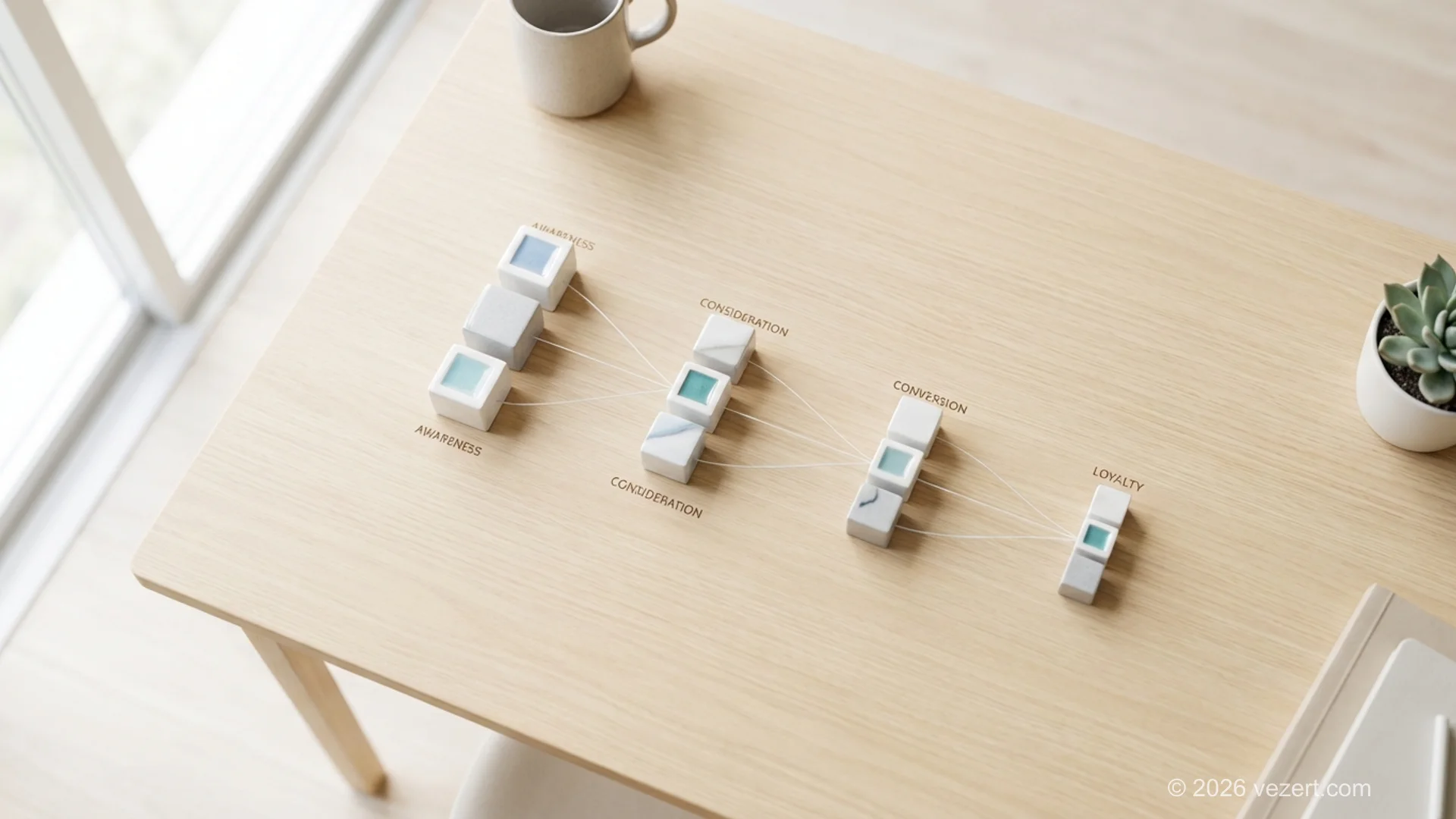
Website navigation best practices for conversion optimization with clear CTA paths and logical user journey flow
Effective navigation design for conversion optimization guides users through logical paths toward meaningful business actions.

Improve Your Website Navigation

Get a structured navigation system designed for usability, conversion optimization, and long-term business growth.

Discuss Your Project

Website Navigation Patterns Compared

Choosing the right navigation pattern is one of the most impactful website navigation best practices. Different patterns suit different types of websites, content volumes, and user expectations. Understanding the strengths and limitations of each pattern helps businesses select the approach that best supports their goals.

The table below compares the most common navigation patterns used in business websites today, evaluating each against key UX and conversion criteria.

Navigation PatternBest ForUX StrengthsConversion ImpactMobile Friendly
Horizontal top barCorporate sites, landing pagesFamiliar, scannable, always visibleHigh — keeps CTAs visibleRequires hamburger on mobile
Sidebar navigationWeb portals, dashboardsSupports many links, persistentMedium — CTAs less prominentPoor on small screens
Hamburger menuMobile-first sites, appsSaves screen space, clean layoutLow — hides navigation itemsExcellent
Mega menuLarge sites, ecommerceShows all options at onceHigh — exposes deep pagesRequires careful adaptation
Sticky navigationLong-scroll pages, blogsAlways accessible while scrollingHigh — CTA always visibleGood with compact design
Footer navigationAll website typesSecondary links, legal pagesLow — used for supplementary linksGood

For most business websites, a combination of horizontal top bar navigation with sticky behavior and a well-organized footer provides the best balance of usability and conversion support. Add a hamburger menu for mobile devices to ensure consistent experience across all screen sizes.

AI-Powered Development in Navigation Optimization

Modern AI-powered development helps teams analyze how users actually interact with website navigation. Instead of relying solely on assumptions, businesses can observe real user behavior — where visitors hesitate, which pages they skip, and what information they struggle to find. These insights directly improve website navigation UX design and enable more effective website optimization.

AI tools analyze large volumes of behavioral data and identify navigation problems that are difficult to spot through manual review. By examining click patterns, scroll depth, and page-to-page navigation flows, teams gain actionable insight into how visitors move through the site and where friction occurs.

AI-assisted analysis typically helps identify:

  • Pages where users frequently exit the website
  • Navigation items that receive minimal engagement
  • Confusing menu structures that cause user hesitation
  • Inefficient paths between key pages
  • Untapped conversion optimization opportunities

This data helps teams refine the business website navigation structure based on evidence rather than guesswork. When navigation decisions are grounded in real user behavior, visitors find information faster and move through the website more naturally.

AI also supports structural optimization during website development. It helps teams test different navigation layouts, model how various menu structures affect user journeys, and predict the impact of changes before they go live. However, AI functions as an analytical and testing tool — not a replacement for human UX judgment.

A professional web design agency combines AI-powered development with deep UX expertise to create navigation that balances usability, clarity, and business objectives. This approach builds navigation systems that remain effective as websites scale and evolve. Teams at Vezert use this methodology to ensure every navigation decision is backed by both data and design experience.

How a Web Design Agency Builds Navigation for Growth

Building navigation that supports business growth requires more than arranging menu items. A professional web design agency approaches navigation as a strategic component of website development, ensuring that structure, usability, and business goals work together.

Rather than focusing only on visual layout, agencies examine how visitors interact with a website and how navigation can guide them toward important pages. A well-planned business website navigation structure helps users move naturally from exploration to decision-making, directly supporting conversion optimization.

When planning navigation, experienced teams typically follow these principles:

  • Align navigation structure with business priorities
  • Highlight key pages such as services, pricing, and contact
  • Ensure important pages are accessible within two to three clicks
  • Streamline the user journey across the entire website
  • Support long-term website optimization and scalability

This approach ensures navigation delivers both usability and marketing performance. When visitors can easily see how a site is organized, they explore more pages and reach conversion points more often.

A well-defined navigation strategy also helps websites remain flexible as businesses grow. New services, pages, and features can be added without disrupting the overall hierarchy or confusing existing users.

For example, the Vezert web design agency uses a structured approach to navigation planning. Navigation is designed as part of the overall website development process, integrating UX/UI design principles, AI development insights, and practical business requirements. This ensures navigation systems are clear, scalable, and aligned with long-term website optimization strategies.

When navigation is treated as a growth enabler rather than a static design element, it becomes one of the most powerful website navigation best practices a business can implement.

Ready to Redesign Your Website Navigation?

Our team builds navigation systems that reduce friction, support conversions, and scale with your business. Let us help you implement website navigation best practices.

Get a Free Consultation

Website Navigation Best Practices: Key Takeaways

Website navigation best practices are essential for every business that depends on its website to attract, engage, and convert visitors. Navigation determines how easily users understand a site, find relevant information, and decide whether to stay or leave. A clear navigation structure reduces friction and helps users move through the website with confidence.

Effective navigation is also central to website optimization. When site structure supports intuitive exploration, users access important pages faster and interact with content more naturally. This improves engagement, supports conversion optimization, and strengthens long-term marketing performance.

From a development standpoint, navigation must be planned as part of the website development process — not treated as a visual detail added late in creation. A strong business website navigation structure ensures the website is easy to understand, scales smoothly, and expands alongside the business.

The most impactful website navigation best practices to implement include:

  • Keep the main menu focused with 5-7 items maximum
  • Use clear, familiar labels that match user expectations
  • Maintain consistent navigation across every page
  • Optimize navigation for mobile devices
  • Align navigation structure with conversion goals
  • Test and refine navigation using real user behavior data

For this reason, professional web design agency teams treat navigation as a strategic UX element that connects usability, structure, and business goals. When navigation is designed with care, it becomes a powerful tool that supports user experience and sustainable digital growth.

Sık Sorulan Sorular

Bu konu hakkında sık sorulan soruların yanıtlarını bulun